Scheduling that just works.
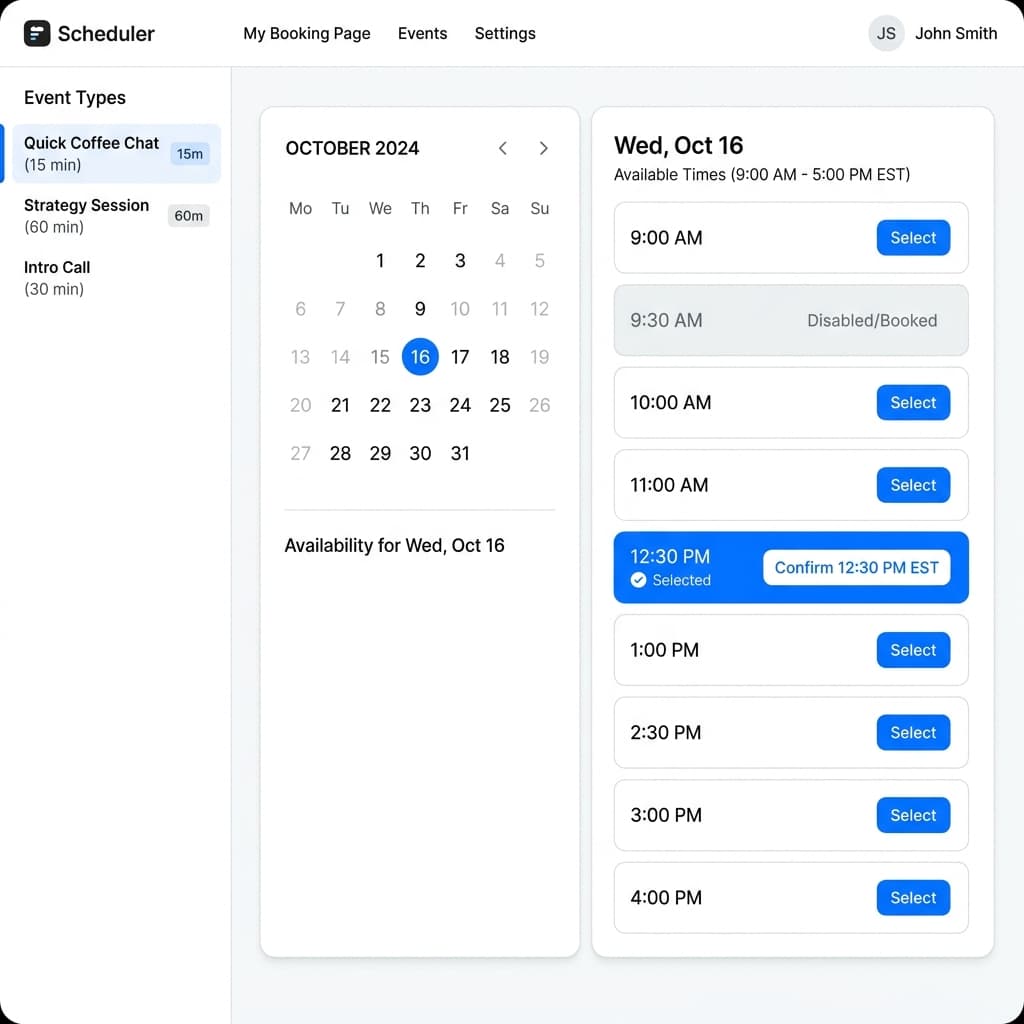
Share your availability with a single link. Invitees pick a time in their timezone, you get notified instantly. No back-and-forth emails. No double-bookings. Ever.
Everything you need to schedule smarter
Powerful features designed to eliminate scheduling friction and give you back your time.
Smart Scheduling
Set complex multi-window availability per day. Your invitees book in their timezone, you see it in yours — fully DST-aware.
Zero Double-Bookings
Database-level locking prevents conflicts across all your event types. Every slot is verified in real time before confirmation.
Instant Notifications
Automatic emails on every booking, cancellation, and reschedule — personalized with each party's local timezone.
Google Calendar Sync
Two-way sync keeps your external calendar in the loop. Busy times block slots, new bookings appear instantly.
Analytics Dashboard
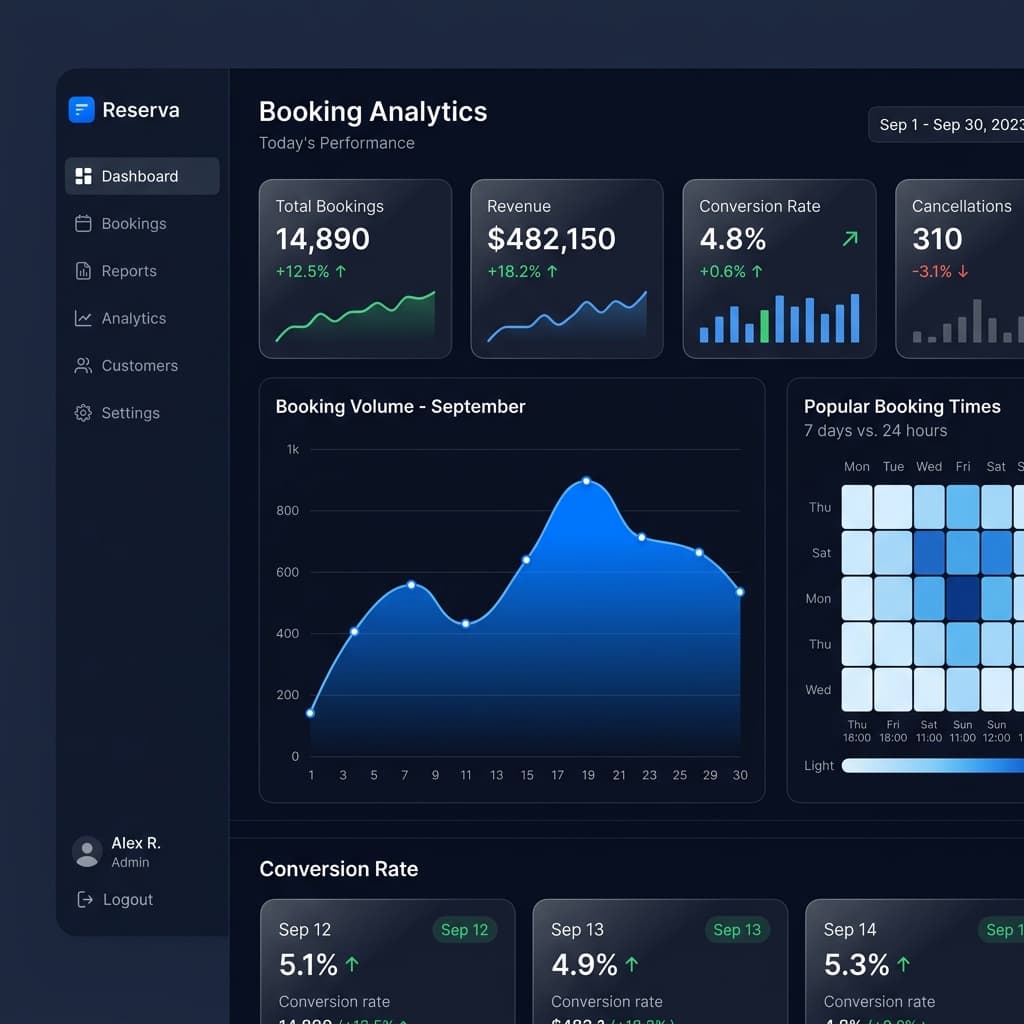
Track booking volume, popular time slots, conversion rates, and cancellation trends — all in beautiful charts.
No-Login Booking
Invitees never need an account. One link, pick a time, done. Cancel or reschedule via secure email links.
Up and running in minutes
Three simple steps to take back control of your calendar.
Set Your Availability
Define your weekly schedule with up to 3 time windows per day. Set buffer times, minimum notice, and booking windows.
Share Your Link
Get a clean, branded booking page. Share a single link — invitees pick the perfect time in their own timezone.
Get Booked Automatically
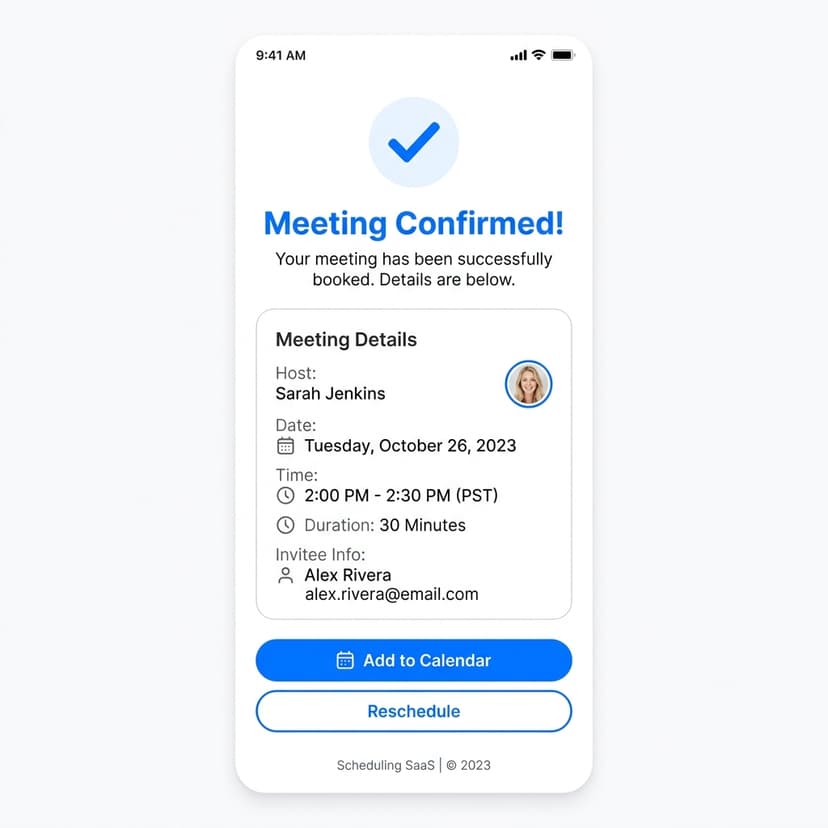
Bookings are confirmed instantly. Both parties get email notifications with all details. Calendar events sync automatically.
Built for professionals who value their time
From booking pages to deep analytics — one platform handles it all.
Trusted by thousands of professionals
See what our users have to say about transforming their scheduling workflow.
“I used to spend 30 minutes a day just coordinating meeting times. Now I share one link and it's done. The timezone handling is flawless.”
“The analytics dashboard gives me real insight into which meeting types convert best. Our team response time dropped by 60%.”
“Finally a scheduling tool that respects my complex availability. The multi-window support and buffer times are exactly what I needed.”
Frequently asked questions
Everything you need to know about CalendMeet.
No. Invitees simply click your booking link, pick a time, and enter their name and email. They can cancel or reschedule through secure links delivered in their confirmation email.
You set your availability in your own timezone. Invitees see available slots automatically converted to their local browser timezone. All emails show times in the recipient's timezone with clear labels.
Our system uses database-level locking to ensure exactly one booking succeeds. The second person sees a friendly message asking them to pick another time. Zero double-bookings, guaranteed.
Yes! Connect your Google Calendar for two-way sync. Busy times block slots automatically, and confirmed bookings appear on your calendar within minutes.
Absolutely. All sensitive data is encrypted at rest with AES-256-GCM. Authentication uses httpOnly cookies with CSRF protection. Passwords are hashed with bcrypt. We follow industry best practices.
Ready to stop the back-and-forth?
Join thousands of professionals who schedule smarter with CalendMeet. Get started in under 2 minutes — no credit card required.
Start Scheduling Free